Geometric Art Seamless Patterns Guide
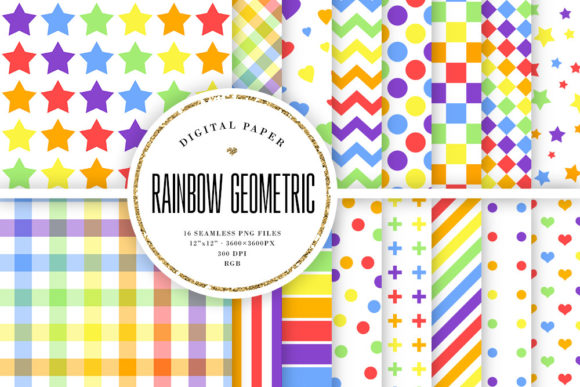
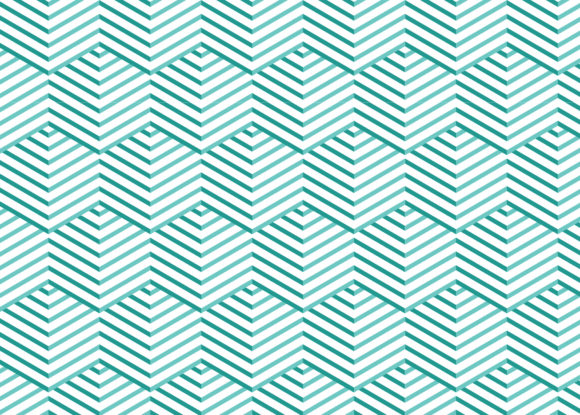
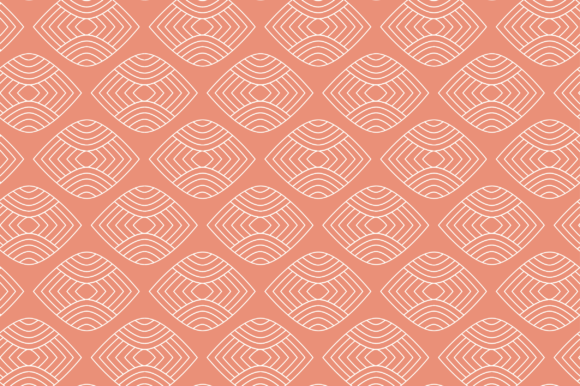
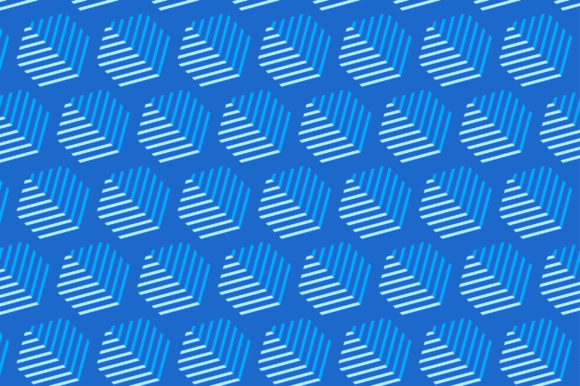
Geometric art seamless patterns are repeatable designs built from shapes such as triangles, hexagons, diamonds, circles, and intersecting lines. Unlike a single illustration, a seamless pattern tiles perfectly across any surface without visible edges or breaks. This makes them incredibly useful for anyone who needs consistent, scalable decorations for physical or digital products.
These patterns draw their appeal from symmetry, order, and visual rhythm. The repeating structure creates a sense of balance that feels both modern and timeless. Whether the design is minimalist or richly detailed, the geometric foundation gives it a crisp, intentional look that stands out without feeling chaotic.
Why Geometric Seamless Patterns Appeal to Creators and Businesses
People turn to geometric seamless patterns for several practical reasons. First, they save time. Instead of designing a custom surface from scratch for every new product, you can apply a ready-made pattern that already works perfectly at scale. Second, they offer versatility. A single pattern can look completely different depending on the material, color, or product it is applied to.
For entrepreneurs and small business owners, geometric patterns offer a professional aesthetic without needing a background in graphic design. You can use them to build a cohesive brand identity across multiple products. Freelancers and hobbyists appreciate how easily these patterns adapt to personal projects like scrapbooking, digital wallpapers, or custom gifts. Educators and bloggers also find them useful for creating engaging visual aids, presentation backgrounds, or website accents.
The main needs these patterns support include speed of production, consistency across product lines, and access to high-quality visuals without hiring a designer. They solve the problem of having to create original artwork for every single item you want to sell or share.
Practical Uses for Geometric Seamless Patterns
Because these designs are 12×12 inches and available in multiple file formats, they fit into many real-world workflows. Here are some of the most common and effective applications.
Paper Products and Stationery
Geometric patterns work beautifully on wrapping paper, notebooks, planners, greeting cards, and gift bags. The repeat ensures that the design flows naturally across the entire sheet. For paper goods, you want patterns that are neither too dense nor too sparse—geometric art often strikes that balance well. Small businesses selling stationery can create entire collections around a single pattern family.
Fabric Pattern Design
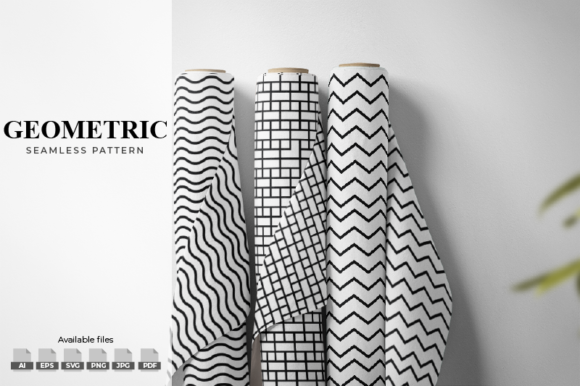
Textile designers use seamless patterns for clothing, home decor fabrics, and accessories. Geometric shapes print clearly on cotton, polyester, linen, and blends. Whether you are making dresses, scarves, throw pillows, or curtains, the pattern remains consistent after washing and wearing. The 300 DPI resolution in the provided PNG and JPG files means the print will stay sharp even at close inspection.
Face Masks and Apparel
Custom face masks became a staple for many small brands, and geometric patterns add a polished touch to an everyday item. The same applies to t-shirts, tote bags, hats, and aprons. Because the pattern repeats flawlessly, it covers the entire garment without awkward cutoffs or misalignment. For Print On Demand (POD) sellers, this is especially valuable—you upload the file once and apply it to dozens of product types.
Merchandise and Promotional Products
From phone cases to coffee mugs, mousemats to notebook covers, geometric seamless patterns give merchandise a coherent look. Customers often buy multiple items from a brand if the design language is consistent. Using one pattern across different product categories helps build recognition and makes your shop look curated. POD platforms like Printful, Printify, Redbubble, and Society6 all support 12×12 inch pattern files, making integration straightforward.
Digital Assets and Marketing Materials
Bloggers and marketers can use these patterns as backgrounds for social media graphics, email headers, YouTube thumbnails, or website sections. The transparent PNG files are especially useful here because you can overlay text or images without fighting a solid background. The SVG and EPS vectors allow you to resize the pattern infinitely without losing quality, which is critical for responsive web design or large-format printing.
What You Get in the Package and How to Use It
After purchase, you receive a ZIP file containing multiple formats so you can work in whatever software you prefer. Here is what is included and why each format matters.
- 1 AI file (Adobe Illustrator CS6 or later): This is the fully editable vector file. You can change colors, rotate elements, adjust spacing, or combine patterns. If you use Illustrator, this is your master file.
- 8 EPS files (EPS 10): EPS is a universal vector format that opens in most design programs including CorelDRAW, Affinity Designer, and older versions of Illustrator. Use these if you do not have the latest software.
- 8 SVG files: SVGs are vector files that work well in web design, Cricut or Silhouette cutting machines, and many free programs like Inkscape. They are also ideal for scaling patterns in digital projects.
- 8 PNG files (300 DPI, transparent background): These are raster images with high resolution and no background. Perfect for placing patterns onto product mockups, digital art, or web graphics without extra editing.
- 8 JPG files (300 DPI): The same high-resolution pattern saved with a white background. Use these for print-ready files when you do not need transparency.
- 1 PDF file: A portable document format that preserves the pattern layout. Useful for presentation, proofing, or sending to clients who do not have design software.
- Bonus Geometric Shapes EPS and SVG: Extra vector files of individual geometric shapes. These let you create entirely new patterns or custom variations by combining, recoloring, or rearranging elements.
All design files are exactly 12×12 inches at 300 DPI. This size is standard for fabric swatches, POD uploads, and print layouts. If you need a larger or smaller repeat, simply scale the vector files—they will stay crisp at any size. The raster PNG and JPG files are best used at or near their original dimensions to maintain sharpness.
Things to Consider Before Using Geometric Seamless Patterns
While these patterns are versatile, a few practical points can help you get better results.
Color Management and Proofing
Colors on your screen may look different when printed, especially on fabric or paper. Always run a test print or use a color profile suited to your printer. The vector AI and EPS files let you adjust colors easily if a shade feels off. For POD products, check each platform's color requirements because some compress or shift hues during processing.
Pattern Scale and Product Fit
A 12×12 inch pattern means the design repeats every square foot. On a small product like a phone case, you may only see one or two repeats. On a large item like a bedsheet, you will see many repeats. Consider how the pattern looks at both extremes. Some geometric designs work best at a smaller scale for intimate items, while others shine when repeated broadly. If you have vector editing skills, you can resize the repeat to better suit your product.
File Format Choice
Not every platform accepts all file types. POD services often prefer PNG with transparent backgrounds for print uploads, but some require JPEG or PDF. Check the guidelines before uploading. For cutting machines like Cricut, SVG is usually the best option. For professional printing, EPS or AI files give the printer the most flexibility. Having all nine formats in the package means you are covered regardless of the platform.
Mockups Are Not Included
The product is a digital pattern file only. You will need to source your own mockups or product templates to showcase how the pattern looks on actual items. Many POD platforms offer free mockup generators, or you can buy mockup sets from design marketplaces. Alternatively, you can photograph your own products once printed.
Getting Started as a Beginner
If you are new to working with seamless patterns, start with the PNG files. They are ready to use immediately in most design tools like Canva, Photoshop, or even Microsoft Word. Simply drag the file onto your canvas and adjust the size. For POD, upload the PNG to your chosen platform, set the repeat to tile, and apply it to your product.
As you grow more comfortable, open the AI or EPS file in a vector editor to experiment with color changes. Changing the hue of a geometric pattern can completely transform its mood. A blue and white pattern might feel calm and professional, while the same design in orange and pink becomes energetic and playful. This flexibility is one of the main reasons geometric art seamless patterns remain popular among creators of all skill levels.
For fabric printing, always order a small sample swatch before committing to bulk production. Fabric types absorb ink differently, and what looks crisp on cotton may soften on polyester. The 300 DPI resolution provides enough detail for most textiles, but testing ensures the final product matches your vision.
Finally, keep a folder of your favorite patterns organized by color family or theme. Over time, this library becomes a valuable resource for client projects, seasonal releases, or personal creative exploration. Geometric patterns, in particular, age well because their structured designs rarely feel dated.